The first step is to download the application on your phone or tablet. It is available on both Android and iOS.
To save time searching the store, here are the links to download it directly:
✅ Download the app for Android.
✅ Download the app for iOS.
→ If you already have the app installed, you can skip this step and move on to the next point.
1. Login with your 'Metricool' Username and password. If you have not done so already, you will need to set up your Metricool account. Use the same email address as you use for TMS Marketing Manager. If you use another email address for Metrocool, please let us have this so we can allocate to your TMS account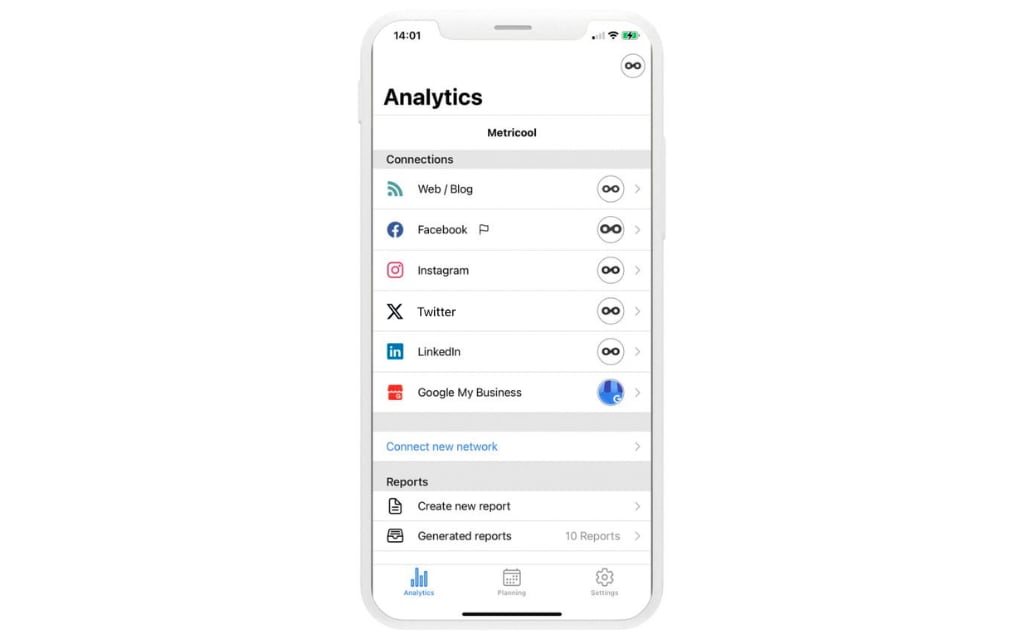
2. Select the TMS brand in your account and and posts you have selected will show in the Mobile App and be available to edit / schedule